Introducing Remix Desktop
Remix Desktop is the studio on your computer: bring the AI subscription you already pay for, build any kind of game, and publish it everywhere Remix plays.
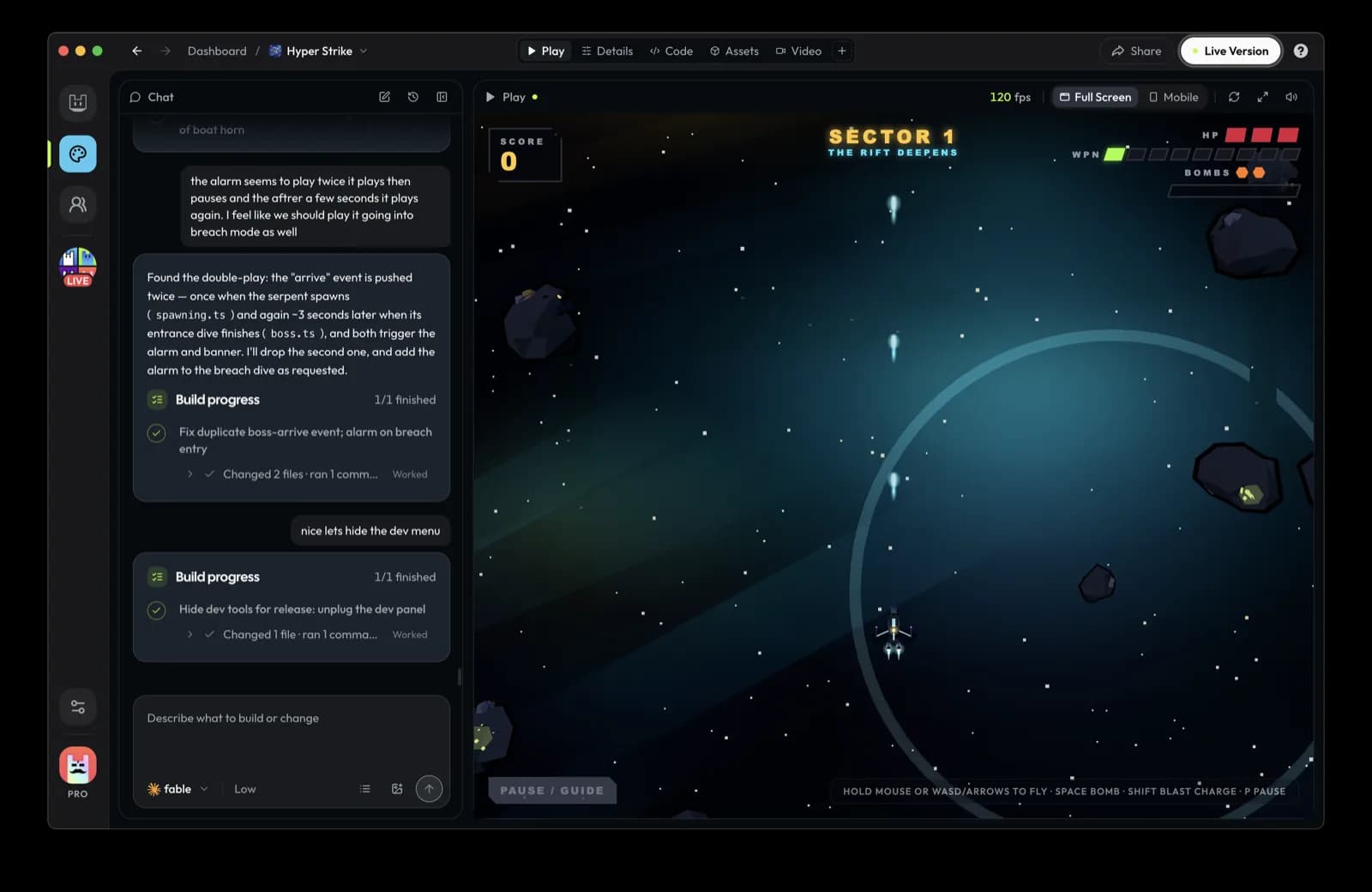
Remix Desktop is out for macOS, Windows and Linux. It is the studio where you describe a game, watch an AI agent build it, play it as it changes, and publish it to remix.gg and the Remix app in one flow. Download it here.
Why a desktop app
Phones are where people play Remix. They are a cramped place to build anything bigger than a one-tap game.
The games people want to make kept getting bigger. Racing games with real tracks. Shooters with teams. Worlds you walk around in. Those games need a keyboard, a big screen, a long session and a fast machine. They also need the strongest coding agents, and the best of those already run on your computer.
So we stopped trying to fit a studio into a phone and built one for the computer you already work on.
Bring the AI you already pay for
Remix Desktop runs Claude, Codex, Cursor or OpenCode on your machine. If you already pay for one of them, Remix uses it. There is no second AI bill to start building.
Desktop is free to start. Plans are there for creators who want more from Remix itself.
Idea, style, build
Creating a game is three steps on one screen:
- Idea. Pick where the game will run (phone, computer, or a portal world) and describe it in plain words.
- Style. Remix asks a few questions about how the game should feel, then works out the art direction with you before anything gets built.
- Build. Pick who builds it. The agent writes the game, and you play each version in a live preview the moment it lands.
From there you keep talking. "The jump feels floaty." "Add a boss on level three." "Make the menu readable on a phone." Each change shows up in the preview, and every version is saved, so you can step back to one that played better.
Bigger games, and they ship
These are some of the Desktop games our team picked so far:

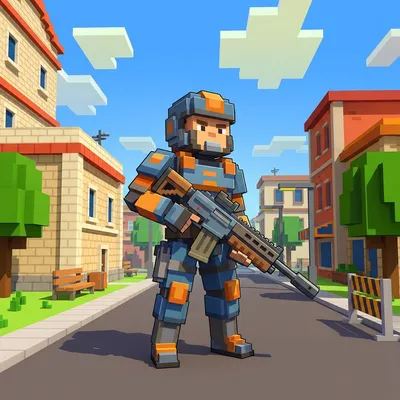
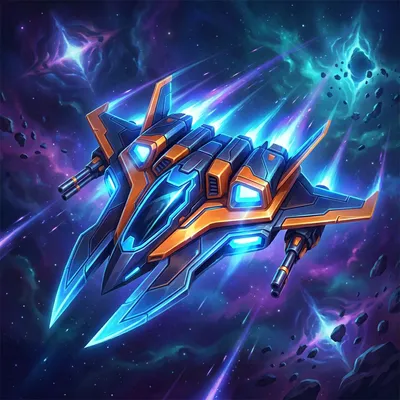

PolyRace has seven low-poly tracks with loops and wall rides, a ghost of your best lap, and live races for up to four players. Reload is a real-time shooter with free-for-all and team modes. Squadron puts you and your friends on one team against a capital ship. GLITCH RIDERS races pods down neon tracks.
PolyRace, Reload and Squadron are multiplayer. That used to be the hardest thing to ask a game builder for. On Desktop, a game can open a live room, friends can join it from a link or straight from their friends list, and each player can be on a computer or a phone.
Publish once, play everywhere
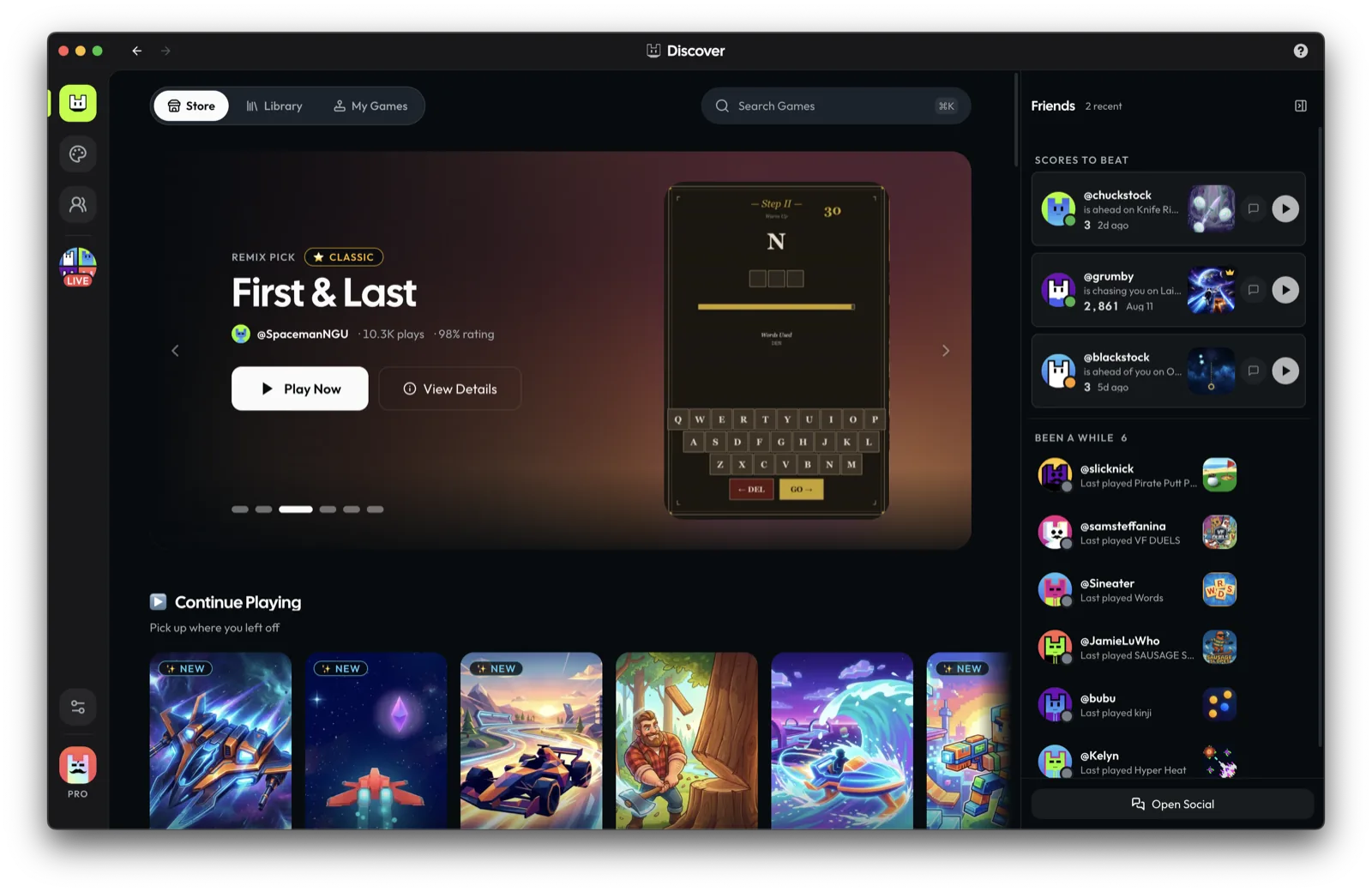
When a game is ready, Remix checks it, and you publish it from the same window. A game made for phones plays on remix.gg and in the Remix app on iOS and Android. A game made for computers plays on remix.gg in any computer browser and in Remix Desktop. You can scan a QR code to try the live game on your own phone before you tell anyone.
People decide whether to play from a few seconds of footage, so Desktop has a Video tab. Record real play, trim it, stitch the best moments together and upload the trailer at full quality. Your trailer is what plays on your game's tile, on your profile and, for staff picks, on Remix TV.
Not a solo tool
Remix Desktop has the rest of Remix built in. Discover and Remix TV for finding games. Your profile page, with your games on a wall you arrange yourself. Messages, groups and voice calls with friends. Builder Chat, a public room where creators help each other. Events, where you can enter a game jam from the publish screen.
You learn faster when you can see what other people are making and ask them how they did it.
Start with one idea
Download Remix Desktop, describe the game you have wanted to play for years, and play the first version the same day. If you want the details first, the docs cover how games, publishing and the SDK work.